Your videos, web-ready in seconds.
Convert, compress and preview your videos as WebP, WebM or MP4. Right on your Mac. No upload. No subscription. Just results.
Unlimited WebP · Free forever
Available on macOS
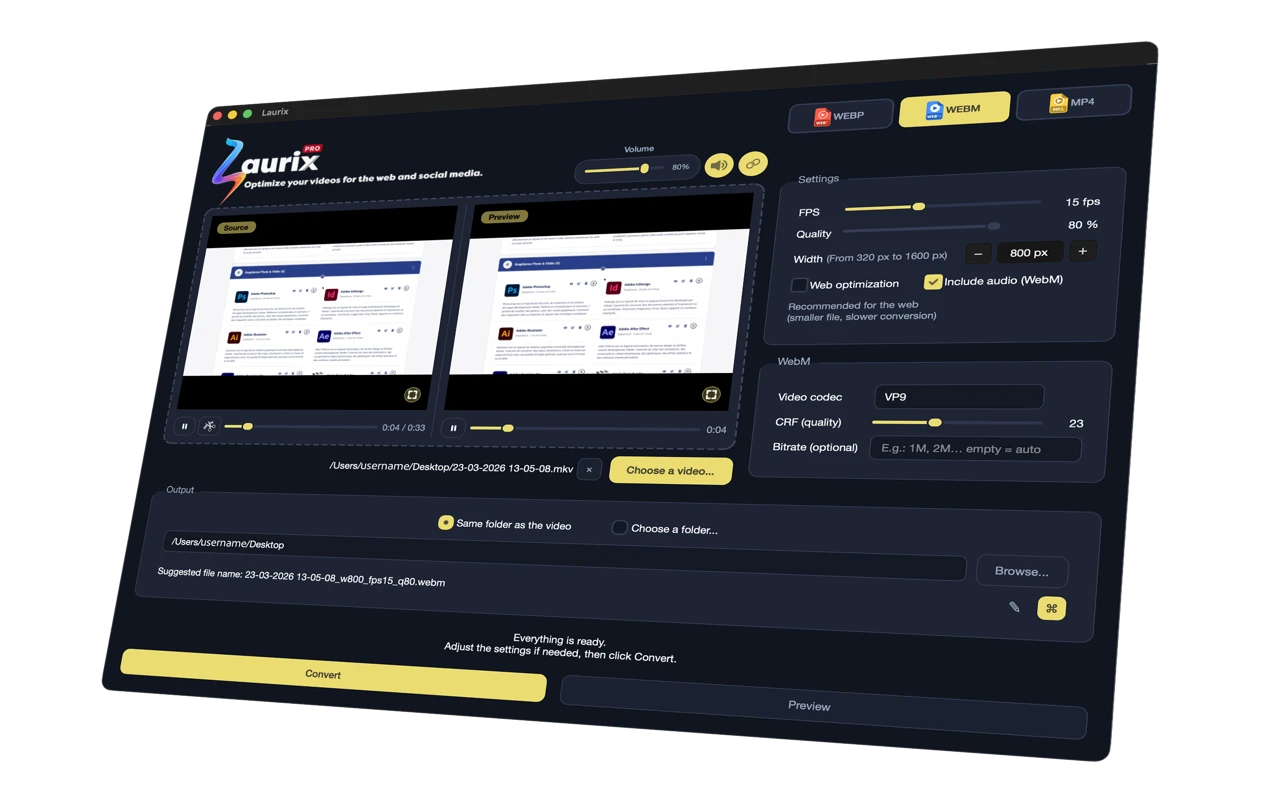
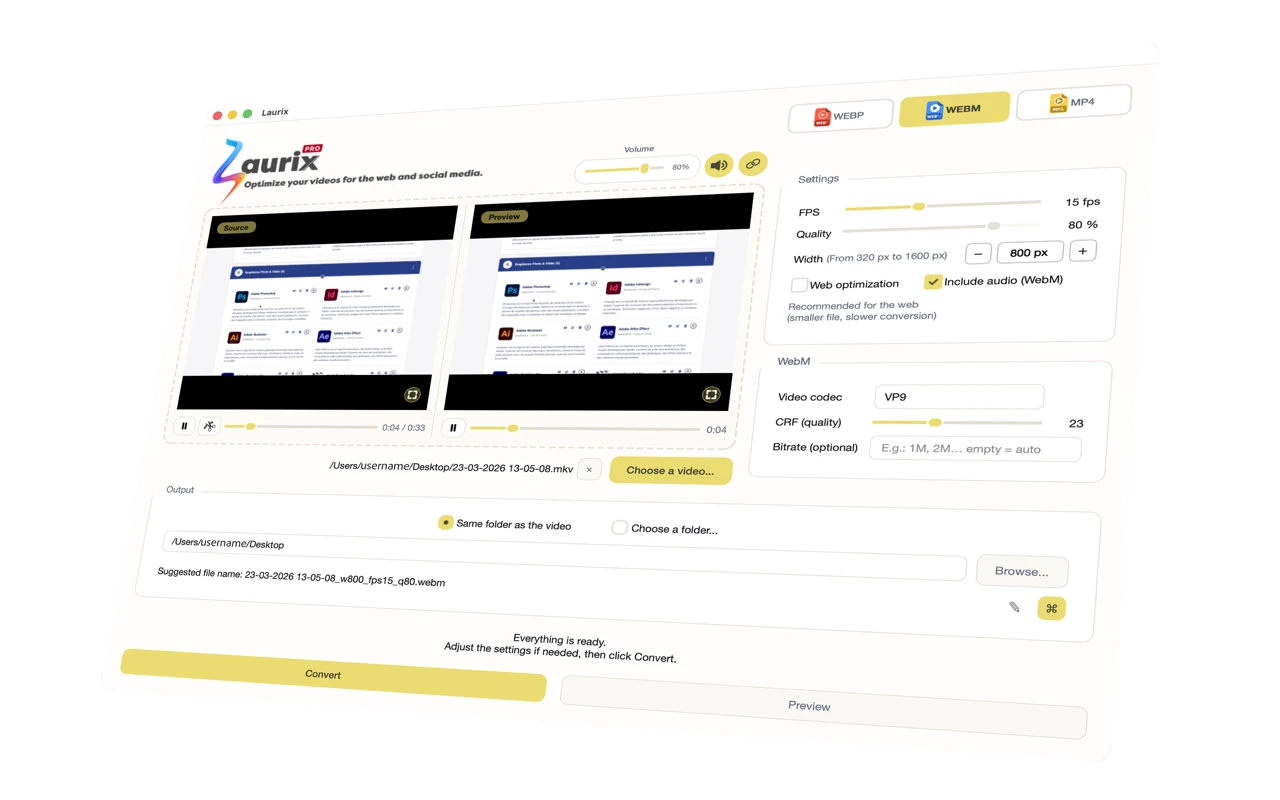
See Laurix in action
Drop a video. Pick your format. Convert.
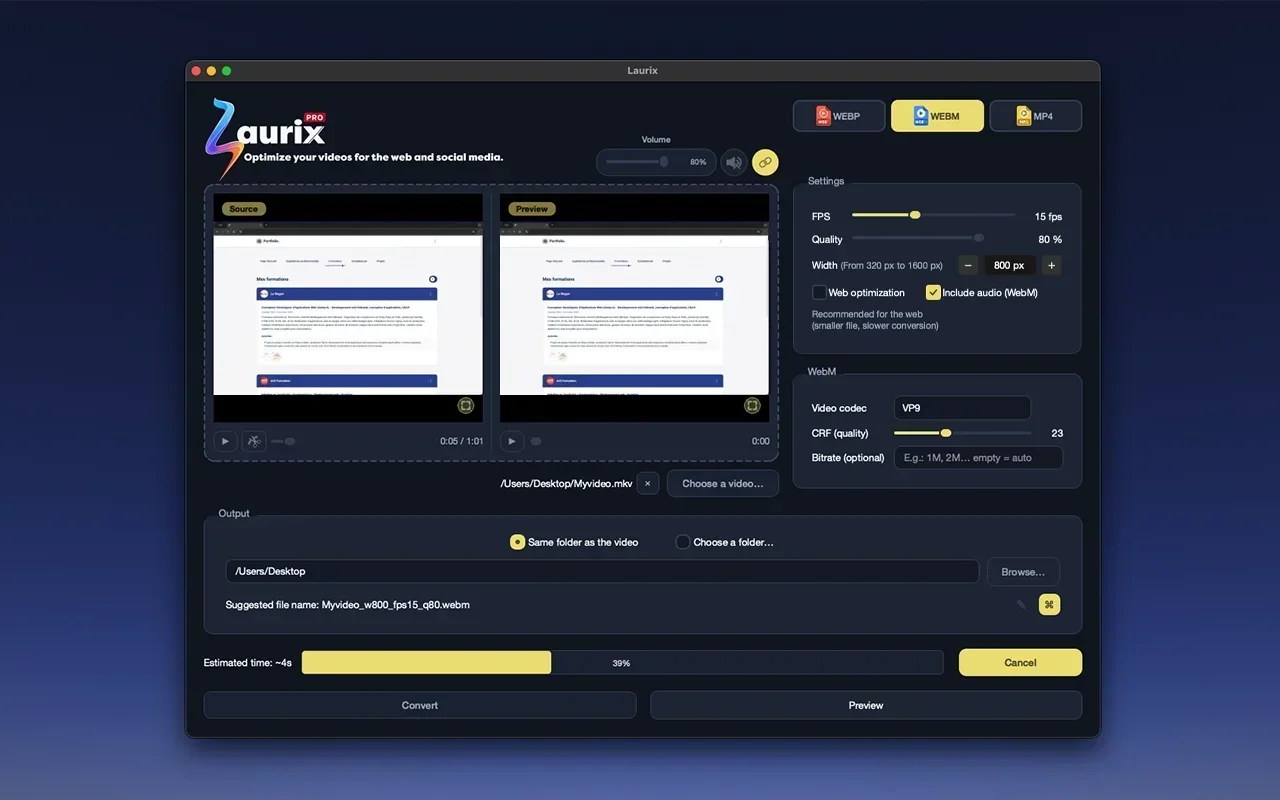
No more complex tools or online converters.
Web developers and designers waste too much time optimizing their videos. FFmpeg command line, online tools that upload your files, bloated software not built for the web... all of that for a result that's never truly optimized.
Laurix does one thing, and does it perfectly: convert your videos to the 3 modern web formats, with real-time preview, in a few clicks.
Everything you need. Nothing you don't.
Ultra-fast conversion
WebP, WebM VP9 and H.264 MP4 optimized for the web. Bundled FFmpeg, no installation required.
Real-time preview
Compare source and output side by side before converting. What you see is exactly what you get.
Keep just what matters
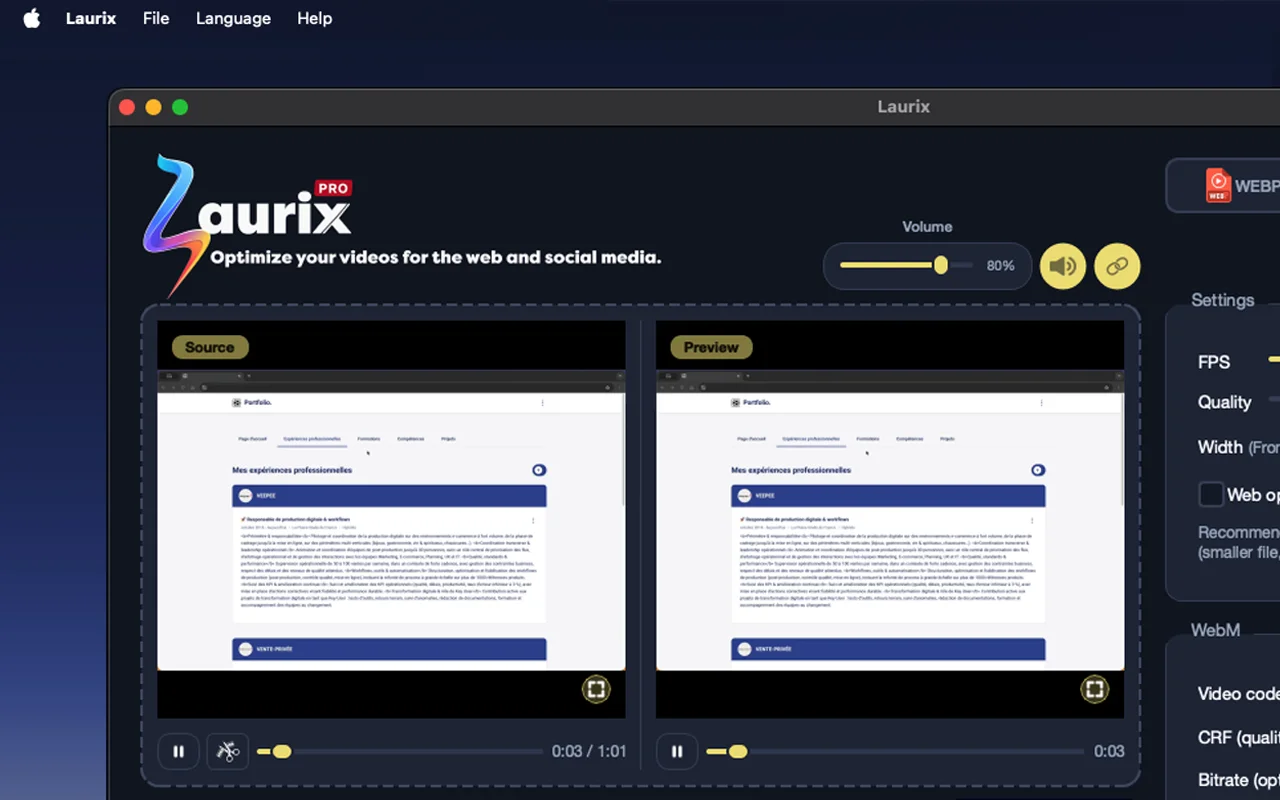
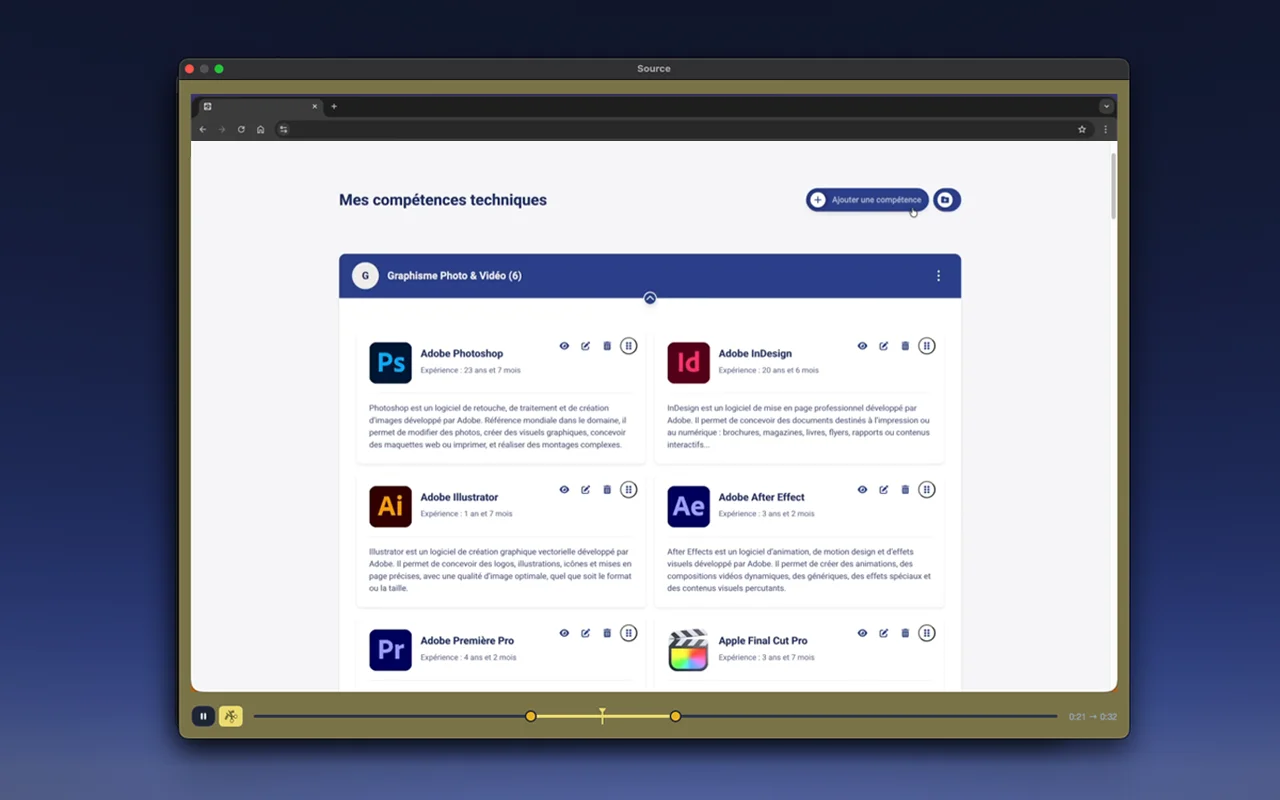
Select the exact segment to convert with the interactive In/Out slider. Export only what you need.
Your files stay yours
No files are ever sent to a server. Everything runs locally on your machine. Full privacy, even offline.
WebP, WebM, MP4 : the 3 modern web formats
One tool for all your web video optimization needs.

Animated WebP
Google's modern format, ideal for replacing animated GIFs. Lightweight, smooth, compatible with all modern browsers.

WebM VP9 / AV1
Open video format built for the web. Maximum compression with VP9/AV1, quality preserved at low bitrate.

MP4 H.264
The global video standard. Works everywhere, from browsers to social media, on all devices including legacy ones.
Trim. Convert. Exactly what you need.
Laurix's Trim mode lets you visually select the exact segment to convert. Drag the In and Out handles, watch the real-time preview, export only the clip you need.
- Interactive In/Out slider
- Synchronized playhead
- Source and output preview simultaneously
- Frame-accurate export
Light or dark, your call.
Laurix automatically matches your system theme. Or switch manually whenever you prefer.
100% local. Zero compromise on privacy.
Your videos never leave your Mac. Laurix processes everything locally using bundled FFmpeg. No network connection required to convert. Your professional files stay professional.

No server upload

Bundled FFmpeg, no external dependencies

Works 100% offline

No telemetry, no tracking
Simple. Transparent. No subscription.
Standard
To discover Laurix
- Unlimited animated WebP
- 3 free WebM conversions
- 3 free MP4 conversions
- Real-time preview
- Trim mode included
- All languages
Pro
One-time · 2 devices
- Everything in Free
- Unlimited WebM
- Unlimited MP4
- Updates included
- Priority support
- 2-device license
14-day money-back guarantee · No questions asked
No subscription. No renewal. Pay once, lifetime license.
Frequently asked questions
Is Laurix really free?
Yes. Animated WebP conversion is 100% free and unlimited, with no time limit or watermark. WebM and MP4 formats are available with the Pro license (24 €, one-time payment).
Does Laurix upload my videos to a server?
No. Laurix processes everything locally on your Mac using bundled FFmpeg. Your files never leave your machine, even for previews. It works 100% offline.
What is animated WebP and why use it instead of GIF?
Animated WebP is Google's modern image format. It produces files up to 90% smaller than GIF with better color depth and transparency. All modern browsers support it, making it the best choice for web animations and lightweight looping visuals.
Do I need to install FFmpeg separately?
No. FFmpeg is bundled inside Laurix. Just download the app and start converting. No terminal commands, no manual installation, no dependencies.
Which macOS versions are supported?
Laurix requires macOS 11 (Big Sur) or later on Apple Silicon (M1, M2, M3, M4, M5). Intel Macs are not currently supported.
How does Laurix compare to FFmpeg command line?
Laurix uses FFmpeg under the hood but wraps it in a visual interface with real-time side-by-side preview, interactive trim, and one-click export. No command line needed, same power, fraction of the effort.
What is the refund policy?
Laurix Pro comes with a 14-day money-back guarantee. If you're not satisfied for any reason, contact us within 14 days of purchase and we'll refund you in full — no questions asked.
Can I use Laurix for commercial projects?
Yes. The Pro license covers both personal and commercial use. You can convert videos for client projects, web agencies, or any commercial purpose.
Can I transfer my license to a new Mac?
Yes. Your Pro license is valid on 2 devices simultaneously. You can deactivate a device from the app's preferences and activate Laurix on a new Mac at any time.